bn880 Deposit Guide: Fund Your Account in Minutes
By the end of this page you will know exactly which payment method to pick, how to complete a deposit step by step, and what to do if something goes wrong.
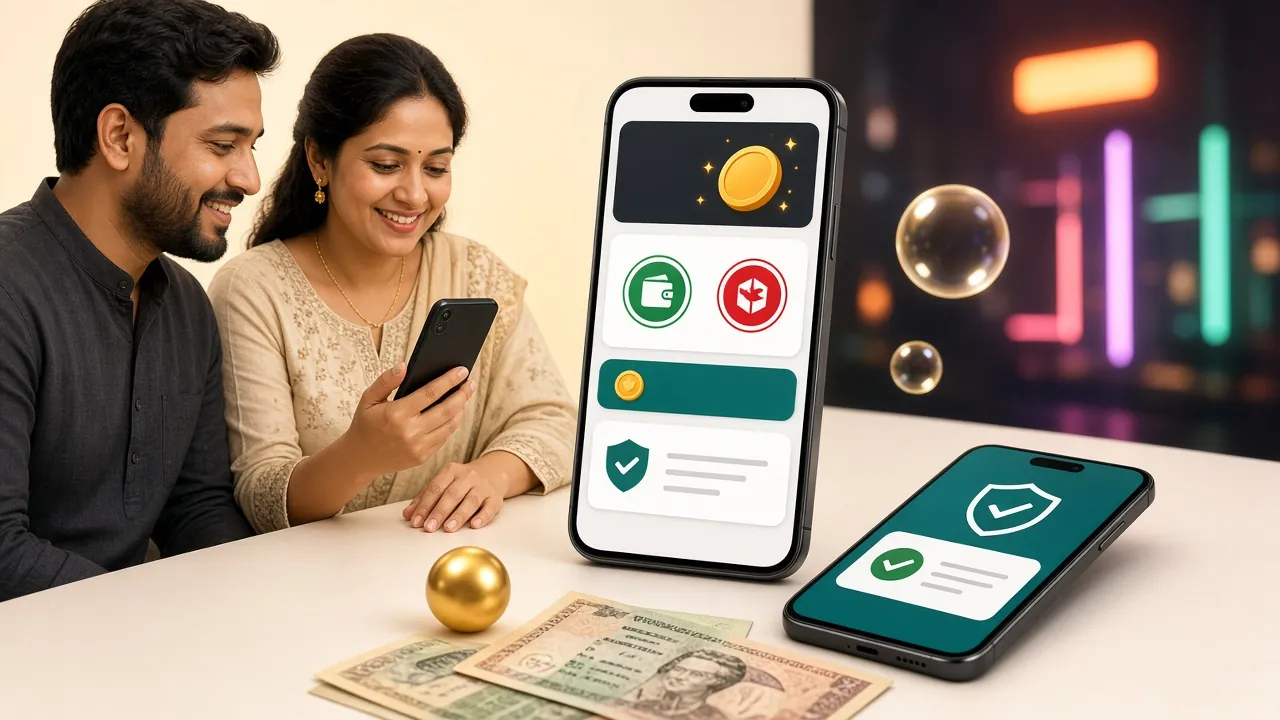
Which Payment Methods Does bn880 Accept?
bn880 supports five deposit channels for players in Bangladesh. All of them are processed instantly or within a few minutes, and none carry a platform fee on our end.
| Method | Minimum Deposit | Deposit Arrives In | Withdrawal Arrives In | Fee |
|---|---|---|---|---|
| bKash | ৳450 | ~4 minutes | ~35 minutes | None |
| Nagad | ৳450 | ~4 minutes | ~35 minutes | None |
| Rocket | ৳450 | ~4 minutes | ~35 minutes | None |
| Upay | ৳450 | ~4 minutes | ~35 minutes | None |
| Bank Transfer | ৳450 | ~4 minutes | ~35 minutes | None |
The General Deposit Flow on bn880
Regardless of which method you choose, the flow inside the bn880 cashier is always the same. The steps below cover the platform side; method-specific instructions follow underneath.
-
Open the Cashier
Log in to your bn880 account, tap the wallet icon in the top-right corner, then select Deposit. You will see the full list of available payment methods.
-
Choose Your Payment Method
Tap bKash, Nagad, Rocket, Upay or Bank Transfer. The cashier will display the merchant number or QR code you need to send money to.
-
Send the Money from Your Wallet App
Open your mobile wallet app, follow the method-specific steps in the sections below, and complete the payment. Use the exact amount you entered in the cashier.
-
Enter the Transaction ID
Your wallet app will show a TrxID or reference number after payment. Paste that number into the bn880 confirmation box and tap Submit.
-
Wait for Confirmation
Funds arrive in your bn880 balance within about 4 minutes. You will see a notification inside the app or browser. If nothing appears after 10 minutes, contact 24/7 live chat with your TrxID.
bKash — Step-by-Step Deposit
bKash is the most widely used mobile wallet in Bangladesh and the most popular deposit channel at bn880. The minimum single transaction is ৳450.
- Open the bKash app and tap Send Money.
- Enter the merchant number shown in the bn880 cashier. Double-check every digit before confirming.
- Type the exact deposit amount (minimum ৳450). Do not round up or add extra.
- Enter your bKash PIN and confirm the transaction.
- Copy the TrxID from the confirmation screen (e.g.,
8FG3K2X1). - Return to bn880, paste the TrxID, and tap Submit Deposit. Done.
Nagad — Step-by-Step Deposit
Nagad offers competitive transfer limits and is a strong choice for players who keep their primary wallet on the Nagad platform.
- Open the Nagad app and select Send Money.
- Enter the recipient number provided in the bn880 cashier.
- Key in the deposit amount (minimum ৳450) and add a reference if the app asks for one.
- Confirm with your Nagad PIN.
- Note the transaction reference number from the success screen.
- Paste the reference into bn880 and submit. Balance updates within ~4 minutes.
Rocket (Dutch-Bangla) — Step-by-Step Deposit
Rocket is linked directly to Dutch-Bangla Bank accounts, making it a practical option if you manage money through DBBL.
- Open the Rocket app and choose Send Money.
- Enter the Rocket number shown in the bn880 deposit screen.
- Enter the amount (minimum ৳450). Keep it exact.
- Confirm with your Rocket PIN.
- Copy the TrxID from the payment confirmation.
- Go back to bn880, enter the TrxID, and tap Submit.
Why Did My Deposit Not Arrive?
Most failed deposits come from one of a handful of fixable mistakes. Here are the most common ones and what to do about each.
-
Wrong merchant number Numbers in the bn880 cashier rotate periodically for security. Always copy the number fresh from the cashier each time — do not save it in your phone contacts.
-
Amount mismatch The amount you send from your wallet must match the amount you entered in the cashier exactly. If they differ, the system cannot match the transaction automatically.
-
Pasted incorrect TrxID TrxIDs are case-sensitive on some wallets. Copy and paste rather than typing manually. A single wrong character means the transaction cannot be verified.
-
Deposit below ৳450 Transactions under the ৳450 minimum are rejected automatically. There is no partial credit — the funds are returned to your wallet within a short period.
-
Network delay beyond 10 minutes If your balance still has not updated after 10 minutes, open live chat (available 24/7) and share your TrxID. The support team can locate the payment and credit it manually.
Your first deposit unlocks a 120% welcome bonus
Deposit any amount from ৳450 and bn880 will match it by 120%, up to ৳8,500. The wagering requirement is 10×. See the full terms on the Bonus & VIP page.
What Are the Deposit and Withdrawal Limits?
All figures are in BDT. Withdrawal limits increase as your VIP tier rises — the table shows the full picture at a glance.
| Level / Type | Min Deposit | Min Withdrawal | Daily Withdrawal Cap | Cashback |
|---|---|---|---|---|
| All accounts | ৳450 | ৳600 | See tier below | See tier below |
| Copper (default) | — | ৳600 | ৳1,10,000 | 0.5% |
| Silver (৳55,000/mo turnover) | — | ৳600 | ৳1,90,000 | 0.75% |
| Gold (৳2,30,000/mo) | — | ৳600 | ৳3,10,000 | 1.0% |
| Platinum (৳10,00,000/mo) | — | ৳600 | ৳5,30,000 | 1.25% |
| Titanium (৳43,00,000/mo) | — | ৳600 | ৳9,00,000 | 1.5% |
First-time withdrawals are reviewed within 2 hours. Subsequent withdrawals typically process in about 35 minutes. VIP tier is calculated on the previous calendar month's total turnover.
Which Mobile Wallet Works Best for You?
All four wallets share the same ৳450 minimum and ~4-minute arrival time at bn880. The difference is in how they fit different habits and amounts.
bKash has the largest user base in Bangladesh, which means support agents are most familiar with bKash-related issues. It is the safest default choice for first-time depositors and works equally well for small top-ups (৳450–৳2,000) and larger transfers. If you are unsure which wallet to use, start here.
Nagad is operated under Bangladesh Post Office, giving many users confidence in its stability. Transfer limits are generous, and the app is straightforward. A good fit for mid-to-large deposits where you want a reliable alternative to bKash. Nagad is also popular among players who receive salary or freelance income directly to their Nagad account.
Rocket is tightly linked to Dutch-Bangla Bank, so it is the natural pick if you already have a DBBL account. Withdrawals land in your Rocket balance and can be transferred to your DBBL savings account in one extra step. Best for players who prefer to keep winnings in a formal bank rather than a standalone mobile wallet.
Upay is backed by United Commercial Bank and appeals to players who already use UCB for everyday banking. Its transaction limits and speed are on par with the other wallets for typical deposit sizes. If Upay is your primary payment app, it works without any extra steps on the bn880 side.
bn880 Payment Methods at a Glance
Every channel listed below is free to use on our end. Deposit and withdrawal speeds below reflect typical processing times under normal network conditions.
-
bKash৳450~4 min~35 min
-
Nagad৳450~4 min~35 min
-
Rocket৳450~4 min~35 min
-
Upay৳450~4 min~35 min
-
Bank Transfer৳450~4 min~35 min
Speed figures are averages. Bank Transfer may occasionally take longer during public holidays or when your bank applies additional review steps. Mobile wallets (bKash, Nagad, Rocket, Upay) are consistently the fastest option for both deposits and withdrawals.
Answers to the Questions Players Ask Most
What is the minimum deposit amount at bn880?
How long does it take for my deposit to show up in my account?
Does my first deposit automatically get a bonus?
My deposit did not arrive — what should I do?
Can I withdraw straight after depositing?
Does bn880 charge any fee on deposits or withdrawals?
Ready to make your first deposit?
Create a free bn880 account in under two minutes, then head straight to the cashier to deposit with bKash, Nagad or Rocket. Your 120% welcome bonus is waiting. If you already have an account, just log in and go to the cashier. For step-by-step help on the mobile app, check the APK download page to get the latest version installed first.